Ask for a door access quote in the UK and the answer usually starts with one word: Paxton. It has been the installer’s default for years, the kit is solid and the software is free. But there is a newer way to do the same job, and it often costs less per door: Ubiquiti UniFi Access, managed from the same console that may already run your Wi-Fi and CCTV.
We wanted to make that comparison easy to see in pounds, so we built another free tool.
Try the calculator
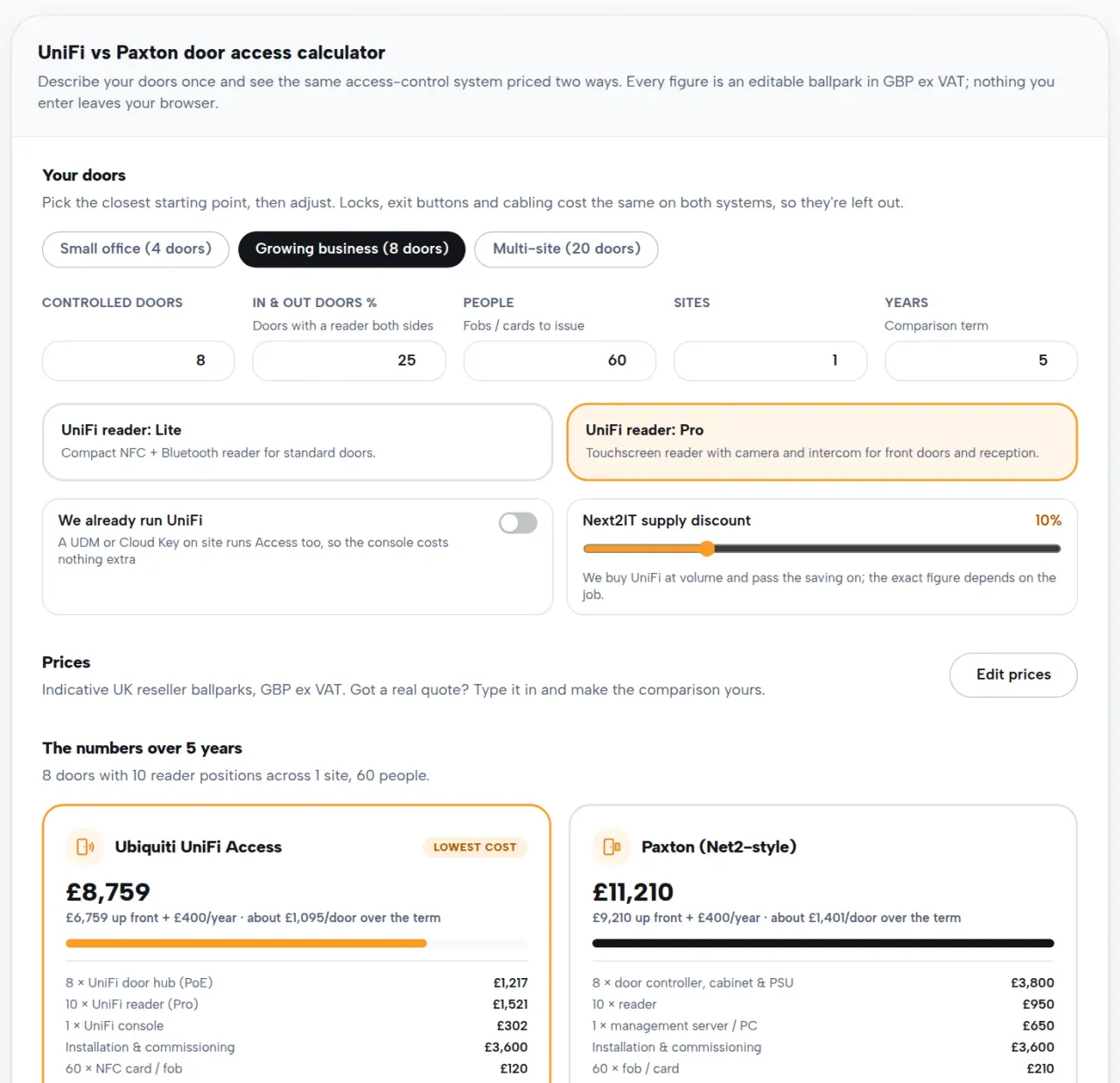
Our UniFi vs Paxton door access calculator asks for the basics: how many doors you have, how many need a reader on both sides, and how many people and sites you cover. It then prices the same system both ways over one to ten years. Every figure is an editable ballpark in GBP ex VAT, so if you already have a Paxton quote on your desk, type the real numbers in and the comparison becomes yours. It runs entirely in your browser, with no sign-up and nothing stored.
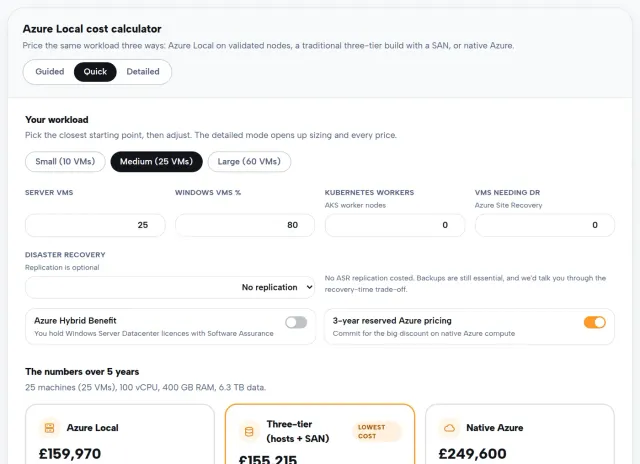
It works the same way as our Meraki to UniFi TCO calculator and Azure Local cost calculator: honest defaults, every assumption on show, and your own numbers welcome.
Where the difference actually comes from
First, some fairness to Paxton. Neither system charges a per-door software licence. Net2 software is free and so is UniFi’s, so this is not the Meraki story of a renewal bill that never stops. The gap comes from three quieter places.
The kit on each door
A traditional Paxton door needs a control unit, a cabinet and a power supply before you have even fitted a reader. A UniFi door needs a single PoE-powered hub and a reader. The UniFi build usually comes in cheaper per door, and because door access is a per-door game, the difference multiplies across the building.
The PC in the cupboard
Net2-style systems are managed from a Windows machine that has to stay on, stay patched and eventually be replaced. UniFi Access runs on a UniFi console such as a Dream Machine or Cloud Key. If you already run UniFi networking, you own the management layer already, and the calculator has a one-click toggle for exactly that.
Who makes the changes
New starter, leaver, lost fob? On UniFi you handle it yourself from an app in seconds. On many traditional systems those jobs mean a callout or a site visit, which is fine until you are paying for it year after year. The calculator lets you model maintenance and hosting on both sides, so the recurring picture reflects what your contracts actually say.
The honest caveats
We’re vendor-independent, so the tool plays it straight. Locks, maglocks, exit buttons and cabling are excluded because both systems need them equally. Existing Paxton fobs will not work on UniFi’s NFC readers, so the cost of reissuing everyone’s credentials is included rather than hidden. And some specialist or high-security estates are still better served by Paxton or an enterprise platform. If that’s you, we’ll say so before we quote.
We handle the whole install
Door access guards the building, so swapping it can feel risky. Planned properly, it isn’t. We survey every door, pre-configure the hubs and readers, and cut over door by door so the site stays secure throughout. After that we look after the result around the clock as part of our access control and CCTV services, backed by 24×7 IT support.
Have a play with the door access calculator using your own door count, or your latest quote. If the figure makes you look twice, get in touch and we’ll turn it into a real one for free.